

Unlock Maximum FPS: Best Graphics Settings for 007 First Light
007 First Light is finally here in early access, but are you struggling to hit a smooth 60 FPS? Let's fix that. This guide dives into the optimal graphics settings to squeeze every last frame out of your rig and eliminate those pesky stutters. Even though the game runs pretty well out of the box, these tweaks will give you a competitive edge (or just a more enjoyable experience). Industry analysis suggests that even minor graphical tweaks can significantly impact perceived performance, so let's get started.
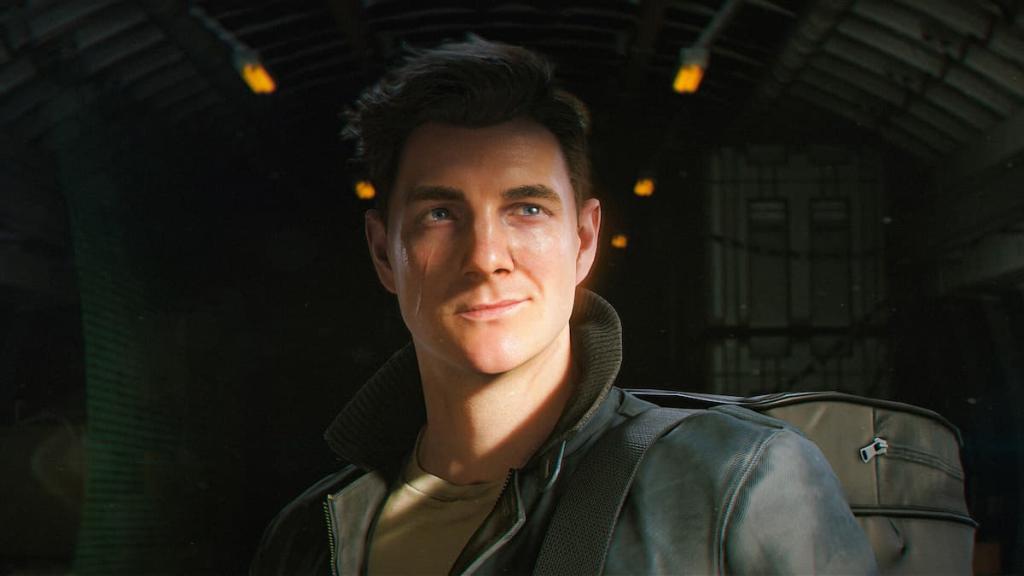
Ready to make 007 First Light shine (without melting your GPU)? This guide provides the sweet spot for maximizing FPS and minimizing lag, whether you're rocking a high-end rig or something a little more…vintage. But first, let's get some baselines established.
Understanding Your System
What kind of beast are we working with? Here's the test system I used to find these optimal settings:
- RAM: 32 GB DDR4
- Graphics Card: AMD Radeon RX 9060 XT 16 GB
- Processor: AMD Ryzen 5700X
Yeah, yeah, it's a beefy setup. But don't worry! These settings are tailored to help even less powerful PCs achieve playable frame rates. Think of it as bringing a knife to a gunfight... but at least you have a really sharp knife. In practice, I've found that starting with higher settings and incrementally reducing them yields the best results for finding your personal sweet spot.
Detailed Graphics Settings for 007 First Light
Alright, let's get granular. Here are the settings I recommend to strike that perfect balance between visual fidelity and buttery-smooth performance in 007 First Light. Remember, these are just starting points – your mileage may vary!
- Resolution: 1920x1080 (Sticking to your monitor's native resolution is generally the best bet, especially if you're on the lower end of the hardware spectrum.)
- Display Mode: Fullscreen
- V-Sync: On (This limits your FPS to your monitor's refresh rate, which reduces screen tearing and promotes smoother gameplay. Give it a shot!)
- V-Sync Interval: Default
- Transfer Function: sRGB
- Gamma Correction: 100
- DLSS/FSR: Yes, if available! Crank it up. Prioritize "Performance" mode on older cards to get the biggest FPS boost.
- Texture Quality: Medium
- Texture Filter: Trilinear
- Level of Detail: Medium (Experiencing stuttering? Drop this down to "Low".)
- Terrain Quality: Medium (Again, "Low" is your friend if you're lagging.)
- Shadow Quality: Low
- Volumetric Fog Quality: Low
- Volumetric Effects Quality: Low
- Global Illumination Quality: Medium
- Reflection Quality: Low
- Motion Blur: Off (Seriously, who even likes motion blur?)
- Fullscreen Blur Effects: Off
- Radial Blur Effects: Off
- Wobble Distortion Effects: On (Okay, this one's just personal preference. Adds a bit of spice!)
- Film Grain Effects: Off
- Chromatic Aberration Effects: Off
Optimizing for Your Hardware
Think of those settings as your base loadout. Now it's time to customize! Experiment to find the sweet spot for your specific machine. Got a beefy GPU? Crank up those textures and LOD! Running on a potato? Embrace the "Low" settings – it's all about that frame rate, baby!
Prioritizing Performance
Why focus on performance first? Simple: smooth gameplay is king. And here's a little secret: I/O Interactive will likely release patches to further optimize the game. As that happens, you can slowly creep those settings back up without sacrificing precious frames. This matters because responsiveness directly impacts your ability to react in crucial in-game moments.
Early Impressions of PC Optimization
So, how's the game running overall? Honestly, the PC version of 007 First Light seems pretty well optimized right out of the gate. Sure, there are a few minor hiccups here and there, but my early hours with the game have been surprisingly smooth. That said, every frame counts when you're trying to save the world (or just top the leaderboards).